

Step-by-Step Guide
Step 1 — Access & Log In to Your Affiliate Dashboard
- Go to the Affiliate Dashboard page:
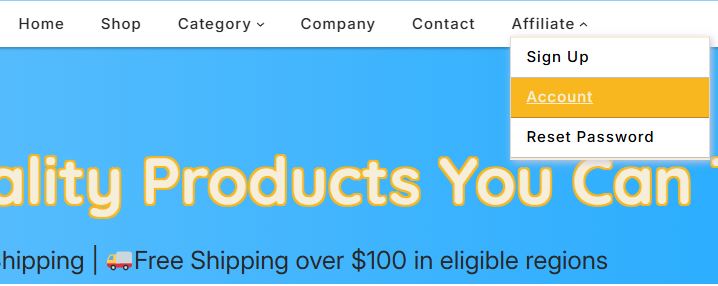
Or go directly to this link below:
https://store.ahnamtrade.com/affiliate-account/
- Enter your email and password.
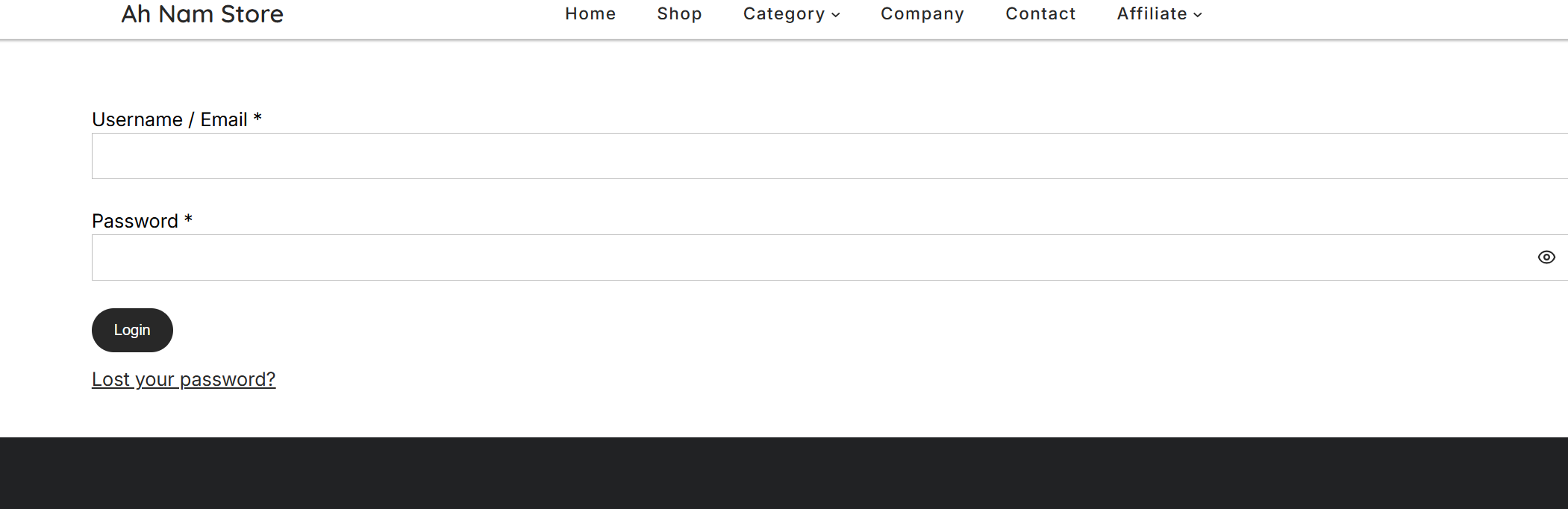
- Click Login.
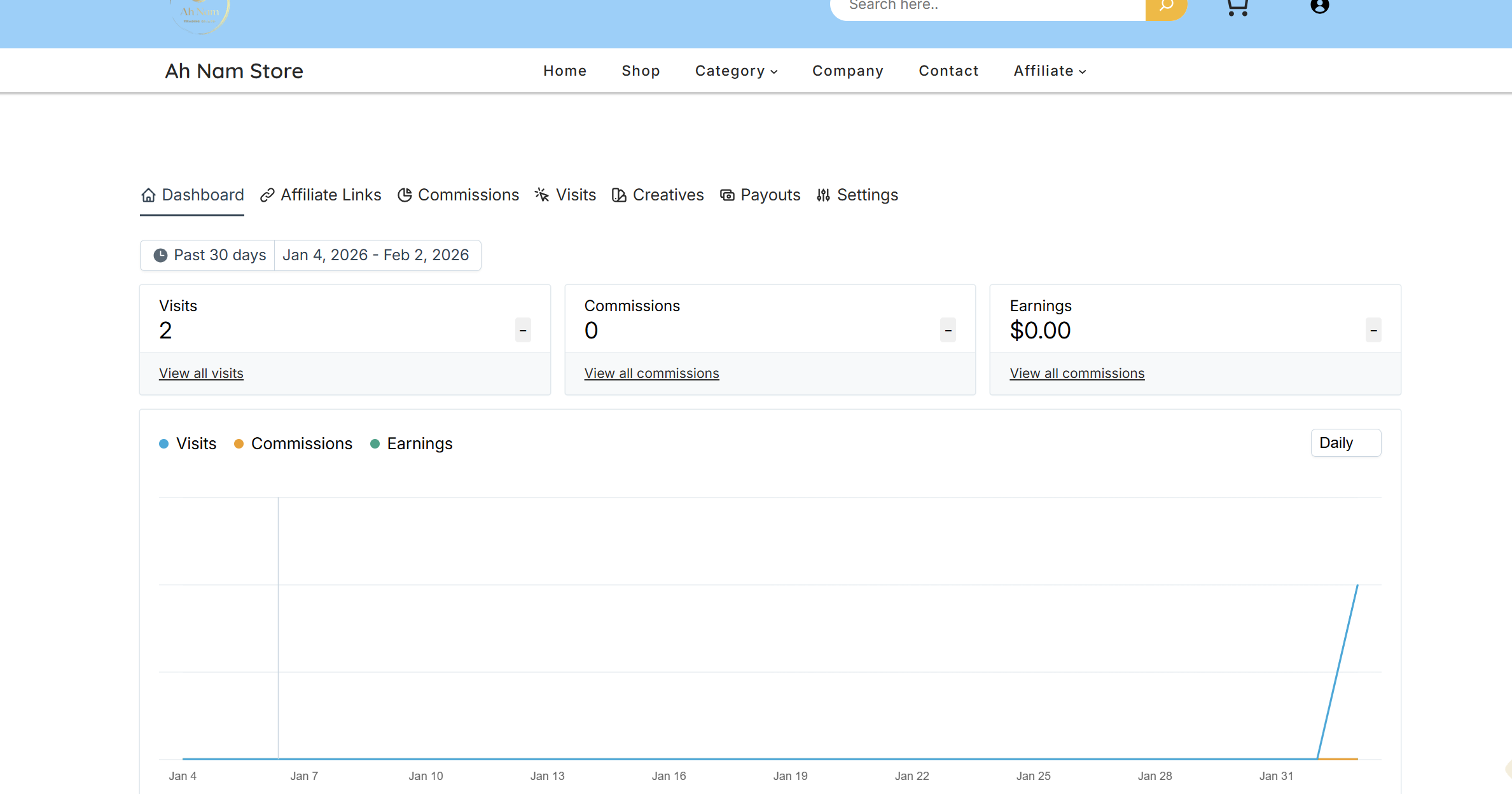
Step 2 — Your Default Affiliate Link (Optional)
- In your “Affiliate links” Tab, you’ll see a link like this:
https://store.ahnamtrade.com/?aff=1
- This goes to the store homepage. You can use it, but customers must search for products themselves, which reduces conversions.
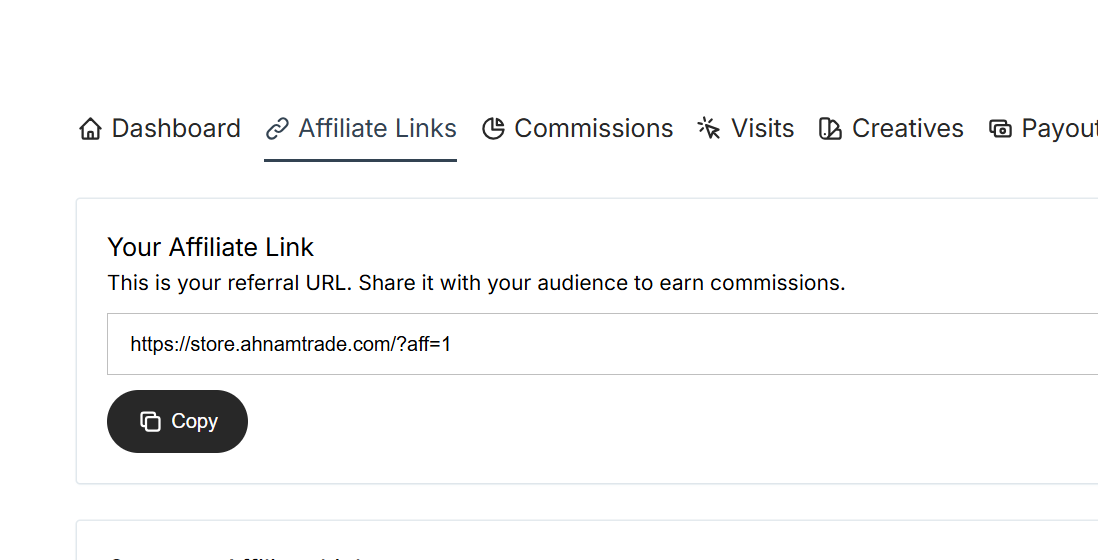
✅ Tip: Always promote a product link instead for better results.
Step 3 — Choose a Product to Promote
- Use the provided link to access the store’s special category. Only products in this category earn commission, as it is not visible in the main menu or header.
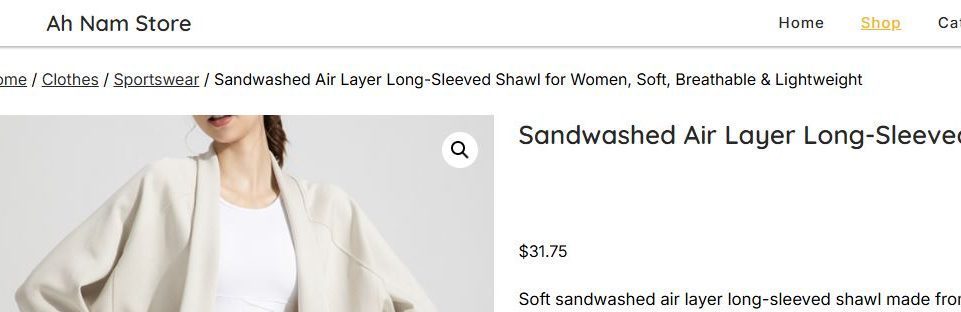
Example:
https://store.ahnamtrade.com/product/sandwashed-air-layer-long-sleeved-shawl-for-women-soft-breathable-lightweight/- Copy the product URL from your browser.
Step 4 — Generate Your Personal Affiliate Link
- Go back to your Affiliate Links.
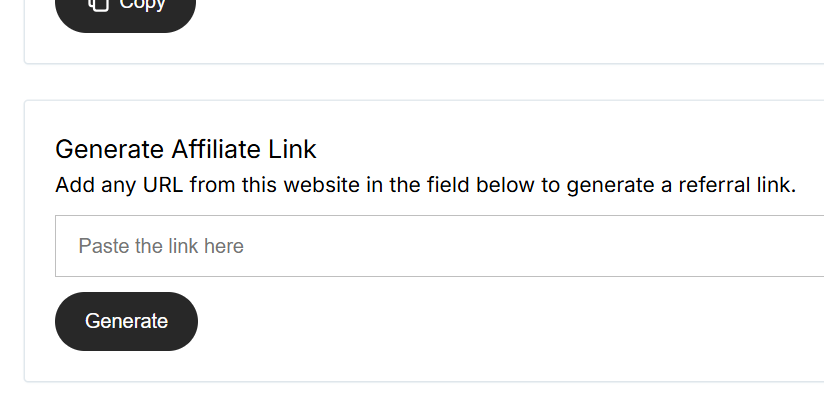
- Paste the product URL into the box.
- Click Generate.
Example:
https://store.ahnamtrade.com/product/sandwashed-air-layer-long-sleeved-shawl-for-women-soft-breathable-lightweight/?aff=1
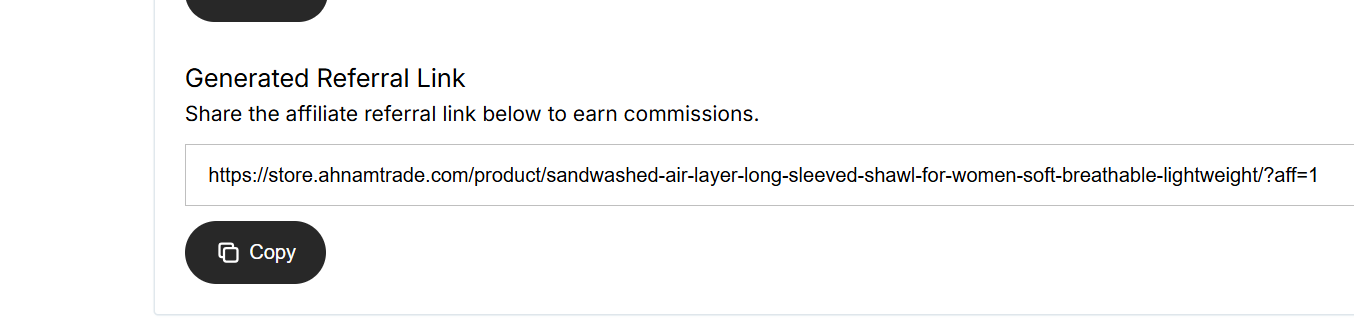
- Copy your personal tracking link.
✅ Tip: This link tracks all your referrals automatically.
Step 4 — Important Tips
- Always promote product links, not the homepage.
- Product links convert better → you earn more.
- Tracking works even if
?aff=1disappears after clicking.